
Introduction
Phishing scams are one of the fastest-growing cyber threats in India, targeting email users across personal and professional domains. Falling for a phishing email can lead to stolen credentials, financial loss, and identity theft. Understanding how these scams operate is crucial to staying secure online.
This guide provides actionable tips for Indian email users to detect, prevent, and respond to phishing attempts effectively.
What is Phishing?
Phishing is a type of cyberattack where fraudsters impersonate legitimate organizations via email, messages, or websites to trick users into revealing sensitive information such as passwords, bank details, or personal data. These scams exploit trust, urgency, or curiosity, often appearing authentic to the recipient.
Why It Matters: Who Benefits from Awareness
Awareness of phishing scams protects:
- Individual email users – Prevent identity theft and financial loss.
- Corporate employees – Safeguard company data and client information.
- Freelancers & remote workers – Secure project files and credentials.
- IT teams & CTOs – Reduce organizational cyber risk.
- Students & educators – Protect personal data and academic accounts.
How Phishing Works: Key Features
Email Spoofing
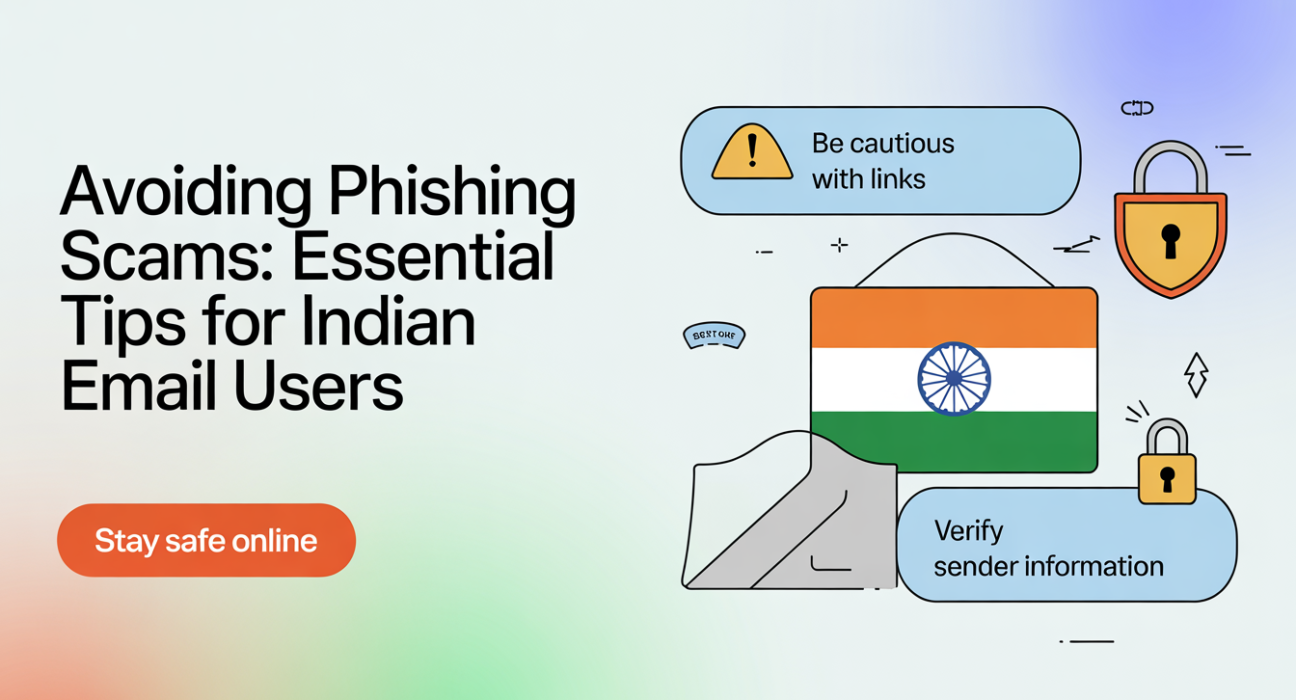
Fraudsters forge the sender’s email address to mimic trusted organizations. Look for minor variations like @paypa1.com instead of @paypal.com.
Malicious Links & Attachments
Phishing emails often contain links that lead to fake login pages or attachments with malware. Always hover over links to verify URLs.
Social Engineering Techniques
Scammers exploit urgency, fear, or curiosity. Common examples include “Your account will be suspended” or “Claim your refund immediately.”
Data Harvesting
Once users enter credentials or download malware, attackers gain access to banking, personal, or company data.
Practical Use Cases & Examples
- Banking Phishing: Users receive emails claiming unusual transactions. Clicking the link leads to a fake bank login page.
- Job Offer Scams: Fraudulent emails promise high-paying jobs and request sensitive documents upfront.
- E-commerce Alerts: Fake notifications from Amazon, Flipkart, or Paytm lure users into entering account details.
- Government Services: Fraudsters impersonate UIDAI, GST, or EPF portals to steal Aadhaar, PAN, or tax information.
Step-by-Step Prevention Example:
- Check sender email authenticity.
- Hover over links before clicking.
- Enable two-factor authentication (2FA).
- Verify suspicious emails via official portals or helplines.
- Report phishing to CERT-In (India) or the organization being impersonated.
Comparison: Phishing vs Other Email Threats
| Feature | Phishing | Spam | Malware Attachments |
|---|---|---|---|
| Intent | Steal sensitive data | Advertise/promote products | Infect device / steal data |
| Delivery Method | Email, SMS, fake websites | Mass emailing | Attachments / links |
| User Risk | High | Low | High |
| Detectable by Email Filter | Sometimes | Often | Sometimes |
Benefits & Limitations
Pros of Awareness & Prevention:
- Protects financial and personal information.
- Reduces corporate cyber risks.
- Builds safer digital habits.
Limitations:
- Advanced phishing may bypass filters.
- Requires ongoing vigilance.
- User error can still result in breaches.
Implementation / Adoption Checklist
- Enable Two-Factor Authentication (2FA) on all accounts.
- Install anti-phishing & antivirus software on devices.
- Educate staff and family on spotting phishing emails.
- Regularly update passwords and avoid reusing them.
- Verify emails through official channels before clicking links.
- Report phishing attempts to CERT-In or the respective organization.
- Use secure connections and avoid public Wi-Fi for sensitive transactions.
Frequently Asked Questions(FAQs)
Q1: How can I spot a phishing email?
Check for unusual sender addresses, grammatical errors, urgent requests, or suspicious links. Hover over links to verify their actual URL before clicking.
Q2: Are phishing attacks common in India?
Yes. As of 2026, India sees a rising number of phishing attacks targeting banking, e-commerce, and government services.
Q3: Can antivirus software prevent phishing?
Antivirus helps but cannot block all phishing attempts. Awareness and safe browsing practices are equally important.
Q4: What should I do if I clicked a phishing link?
Immediately change passwords, enable 2FA, scan your device for malware, and notify affected institutions.
Q5: How do organizations prevent phishing?
Through employee training, email filters, 2FA enforcement, and reporting mechanisms to monitor suspicious activities.
Conclusion
Phishing scams pose a serious threat to email users in India. Staying alert, verifying emails, and adopting layered security measures can significantly reduce risks. For the future, AI-driven phishing detection and enhanced government regulations promise safer digital communications.
Read more: Network Security 101: A Small Business Guide in India
LSI / Semantic Keywords:
- Email security India
- Phishing prevention tips
- Cyber threats India
- Online fraud protection
- Two-factor authentication
- Safe browsing practices
- Anti-phishing software
- Digital security best practices