
Introduction
For Indian engineers stepping into modern design and construction, choosing the right software can be daunting. CAD and BIM are industry staples, but which one should you learn first? Understanding their differences is crucial for career growth and project efficiency.
What is CAD vs. BIM?
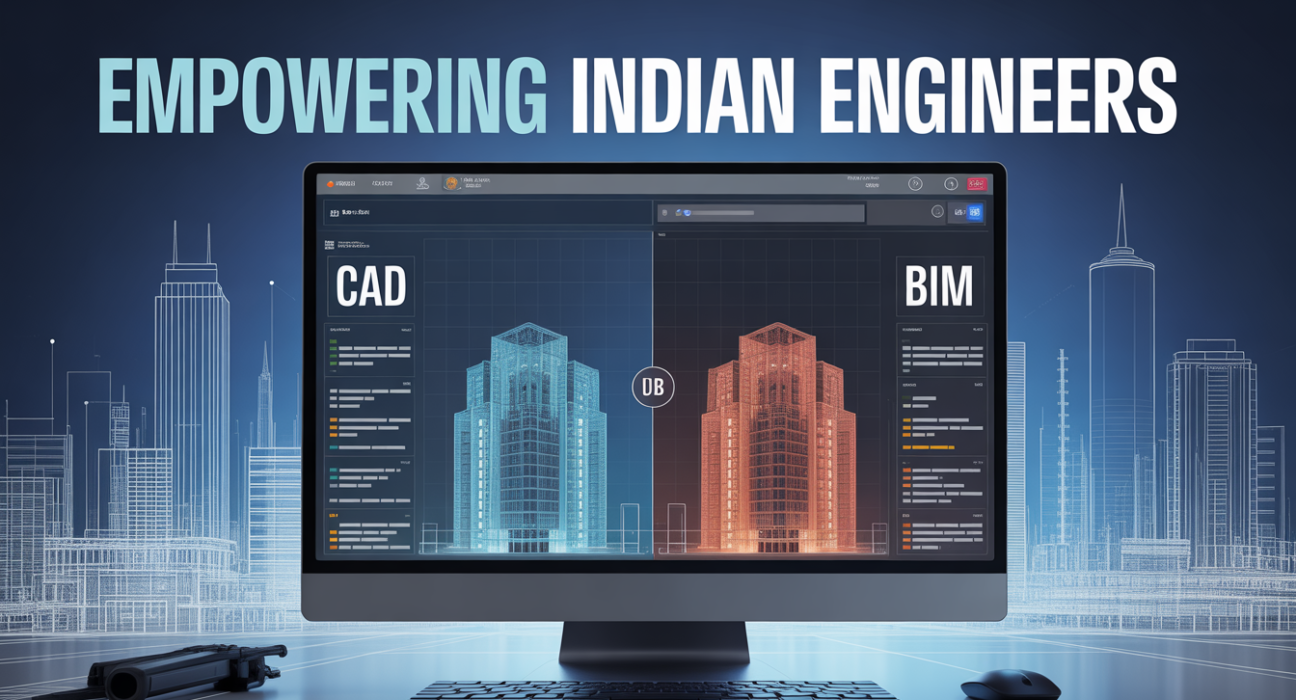
CAD (Computer-Aided Design): A software system used to create 2D drawings and 3D models of buildings, machinery, and infrastructure with precision.
BIM (Building Information Modeling): A collaborative process that creates a digital representation of a building’s physical and functional characteristics, allowing engineers to plan, design, and manage projects efficiently.
Snippet-friendly definition: CAD focuses on drafting and modeling, while BIM integrates design, planning, and data management for construction projects.
Why It Matters / Who Benefits
- Civil Engineers: Streamline drafting, structural design, and construction planning.
- Architects: Visualize designs and simulate real-world performance.
- MEP Engineers: Coordinate mechanical, electrical, and plumbing systems.
- Project Managers: Monitor project lifecycle from design to maintenance.
- Students & Beginners: Build marketable skills for jobs in India’s construction industry.
How It Works / Key Features
CAD Features
- 2D drafting and 3D modeling
- Precise measurements and layer management
- Export to multiple file formats (DWG, DXF, STL)
- Compatible with engineering software like AutoCAD, SolidWorks
BIM Features
- Centralized 3D model with embedded data
- Clash detection and real-time collaboration
- Cost estimation and project scheduling
- Lifecycle management from design to demolition
Practical Use Cases & Examples
- CAD: Creating floor plans, mechanical parts, bridge layouts, or detailed engineering schematics.
- BIM: Coordinating multi-disciplinary teams on high-rise buildings, managing construction timelines, and simulating energy efficiency.
- Example: An Indian construction firm uses CAD for structural drafts but switches to BIM to manage workflow between architects, contractors, and clients.
Comparison / Alternatives
| Feature | CAD | BIM |
|---|---|---|
| Primary Function | Drafting & modeling | Design + data integration |
| Collaboration | Limited | Real-time, multi-user |
| Learning Curve | Moderate | Steeper |
| Cost | Lower (software-focused) | Higher (software + training) |
| Use Case | Detailed technical drawings | Project lifecycle management |
| Industry Trend in India | Widely used in smaller firms | Growing adoption in large firms |
Benefits & Limitations
CAD Pros
- Quick, precise drafting
- Easier to learn for beginners
- Large online resources
CAD Cons
- Lacks integrated project management
- Collaboration is limited
BIM Pros
- Enhances collaboration
- Reduces errors via clash detection
- Supports lifecycle management
BIM Cons
- Higher learning curve
- Requires robust hardware and training
- More expensive software
Implementation / Adoption Checklist
- Assess career goals: Decide if your focus is drafting or project management.
- Choose software: AutoCAD for CAD, Revit/ArchiCAD for BIM.
- Invest in training: Online courses or certifications from Autodesk India, NPTEL, or Coursera.
- Start small: Begin with 2D CAD before moving to 3D and BIM.
- Practice on projects: Apply skills to real or simulated engineering projects.
- Join communities: LinkedIn groups, forums, and local engineering clubs in India for networking.
Frequently Asked Questions(FAQs)
Q1: Can I learn CAD and BIM together?
Yes, learning CAD first provides a strong foundation, then BIM can be mastered for integrated project management and collaboration.
Q2: Which is more in demand in India?
CAD is widely used, but BIM adoption is growing rapidly in large construction and infrastructure projects.
Q3: Is BIM suitable for beginners?
BIM has a steeper learning curve, so beginners often start with CAD before transitioning to BIM.
Q4: Do I need expensive hardware for BIM?
Yes, BIM software like Revit may require high-performance computers, while CAD can run on moderate systems.
Q5: Can CAD files be used in BIM?
Absolutely. CAD drawings can be imported into BIM platforms to integrate into larger project models.
Conclusion
For Indian engineers, learning CAD first offers a practical foundation in drafting and modeling. Once comfortable, transitioning to BIM equips you for collaborative, data-driven construction projects. As India embraces smart infrastructure, mastering both CAD and BIM will future-proof your engineering career.
Read more: The Role of GIS in Indian Urban Planning and Smart Cities
LSI / Semantic Keywords:
- AutoCAD India
- Revit software
- Civil engineering software
- Construction project management
- 3D modeling tools
- MEP coordination
- Infrastructure design India
- Engineering workflow software