
Introduction
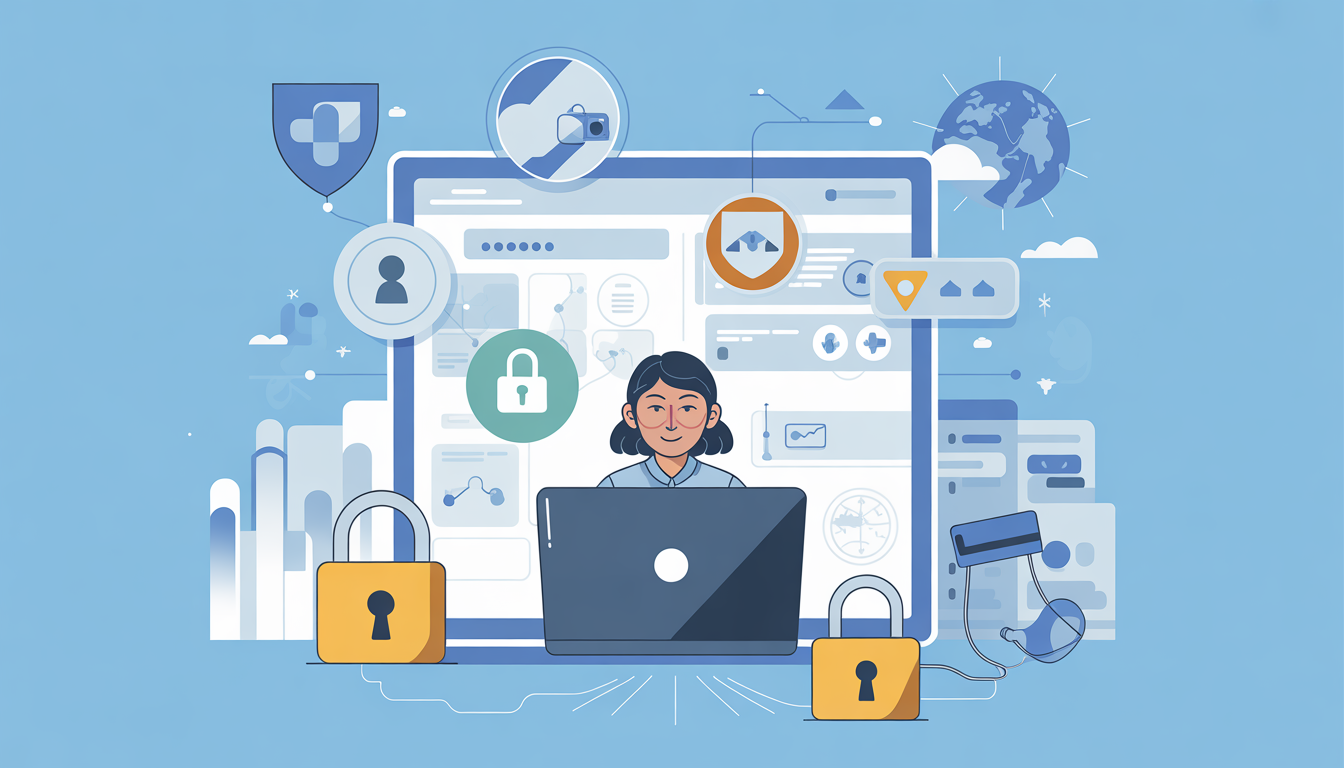
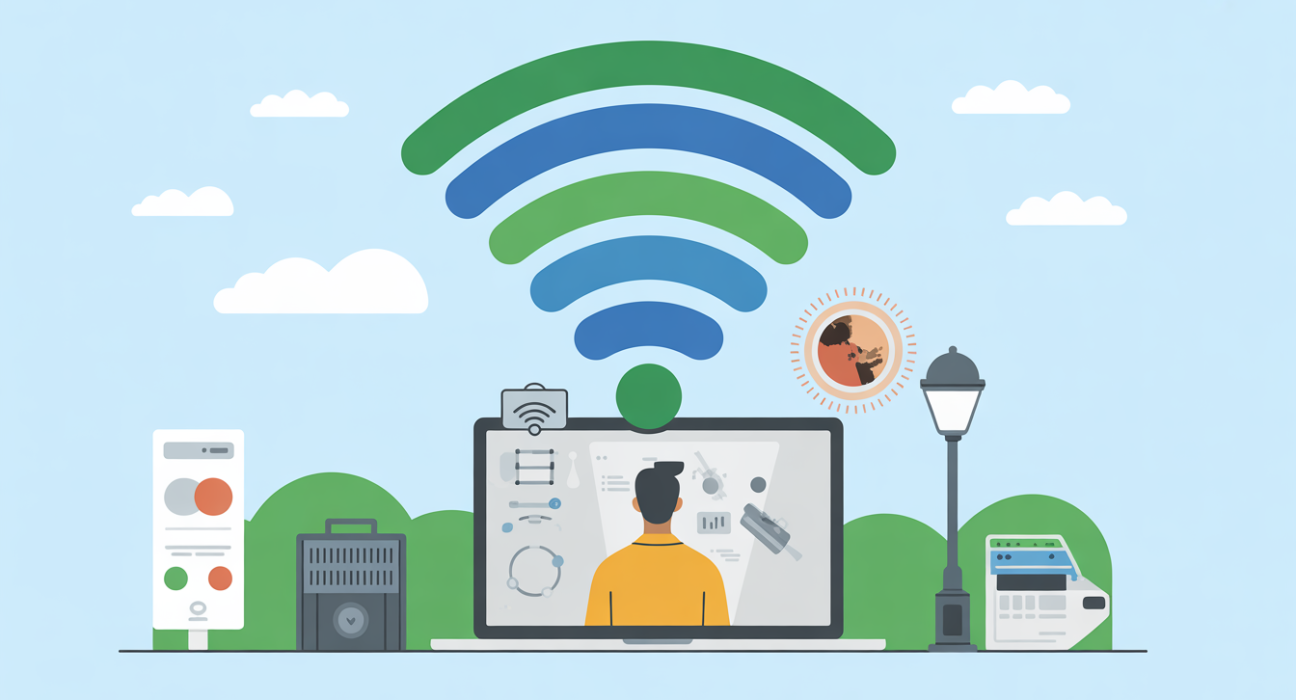
Public Wi-Fi is everywhere—cafes, airports, malls, and hotels. While it’s convenient, using it comes with risks: hackers can intercept your personal data, bank details, and even login credentials. In India, where digital adoption is soaring, understanding how to secure your data on public Wi-Fi is essential for safe online activity.
What is Public Wi-Fi Security?
Public Wi-Fi security refers to the measures and technologies that protect your personal and professional data when connected to open wireless networks. It ensures your information—like passwords, banking data, or sensitive files—is not intercepted by cybercriminals while using public networks.
Why It Matters / Who Benefits
Securing your data on public Wi-Fi is crucial for:
- Everyday Internet Users: Protects personal information from identity theft.
- Frequent Travelers: Ensures safe access to emails and online banking at airports or hotels.
- Freelancers & Remote Workers: Keeps client data secure when working from cafes or co-working spaces.
- Businesses & Startups: Prevents corporate data leaks over unsecured networks.
- Developers & Tech Enthusiasts: Maintains privacy while testing cloud applications on public networks.
How It Works / Key Features
1. Use a VPN (Virtual Private Network)
A VPN encrypts your internet traffic, making it unreadable to hackers on the same network. Popular VPNs in India include NordVPN, ExpressVPN, and Surfshark.
2. Enable HTTPS Everywhere
Ensure websites use HTTPS. Modern browsers often show a padlock symbol, which confirms that the connection is encrypted.
3. Turn Off File Sharing & Auto-Connect
Disable public file sharing and automatic Wi-Fi connections on your devices. This prevents unauthorized access to your files and credentials.
4. Use Two-Factor Authentication (2FA)
Adding 2FA to your accounts creates an extra layer of security, even if someone steals your password over public Wi-Fi.
5. Keep Your Device & Apps Updated
Regular software updates patch vulnerabilities that hackers could exploit on public networks.
Practical Use Cases & Examples
- Cafes & Restaurants: Avoid accessing banking apps without a VPN; stick to HTTPS websites for browsing.
- Airports & Stations: Use VPNs when connecting to free Wi-Fi; avoid logging into corporate emails directly.
- Hotels & Resorts: Prefer mobile hotspots or personal tethering when performing sensitive transactions.
- Co-working Spaces: Enable firewalls and disable unnecessary network sharing.
Comparison / Alternatives
| Security Option | Pros | Cons | Best Use Case |
|---|---|---|---|
| VPN | Strong encryption, hides IP | Subscription cost, slight latency | Online banking, sensitive work |
| HTTPS | Free, automatic on most sites | Limited to website traffic | General browsing |
| Personal Hotspot | Fully private, no external access | Uses mobile data, slower speeds | Travel or remote working |
| Two-Factor Authentication | Adds extra account protection | Slightly slower login | Email, banking, cloud services |
Benefits & Limitations
Pros:
- Protects personal and financial data
- Reduces risk of identity theft
- Enables safer remote work and travel
Cons:
- VPNs may reduce connection speed
- Some tools require paid subscriptions
- Security depends on user vigilance
Implementation / Adoption Checklist
- Install a reliable VPN and verify it’s active before connecting.
- Check HTTPS status on all websites before entering sensitive data.
- Turn off file sharing and auto-connect features on all devices.
- Enable 2FA for emails, banking apps, and cloud accounts.
- Regularly update your OS, browsers, and apps.
- Avoid logging in to sensitive accounts on public Wi-Fi unless necessary.
- Consider personal hotspots for highly sensitive transactions.
Frequently Asked Questions(FAQs)
Q1: Is public Wi-Fi in India safe to use?
Public Wi-Fi is convenient but not inherently safe. Using a VPN, HTTPS, and 2FA greatly improves security and prevents data theft.
Q2: Can hackers steal my bank details over public Wi-Fi?
Yes, if the network is unsecured. Always use VPNs and HTTPS for financial transactions.
Q3: What free tools can I use to secure public Wi-Fi connections?
Free VPNs like ProtonVPN, HTTPS Everywhere browser extension, and antivirus firewalls can enhance security, though paid options often offer stronger protection.
Q4: Should I use public Wi-Fi for work emails?
It’s safer with a VPN and 2FA enabled. Avoid accessing highly sensitive corporate data unless absolutely necessary.
Q5: How can I tell if a public Wi-Fi network is unsafe?
Unfamiliar or open networks without a password, fake network names, and absence of HTTPS warnings are key red flags.
Conclusion
Securing your data on public Wi-Fi in India is essential for personal, professional, and financial safety. Using VPNs, HTTPS, and 2FA, along with cautious browsing, ensures strong protection. As digital adoption grows, public Wi-Fi security will become even more critical, making proactive measures a must for all users.
Read more: Avoiding Phishing Scams: Essential Tips for Indian Email Users
LSI / Semantic Keywords:
Public Wi-Fi safety, VPN India, HTTPS security, Wi-Fi encryption, online privacy India, data protection tips, secure browsing, public hotspot safety